Garry's Mod
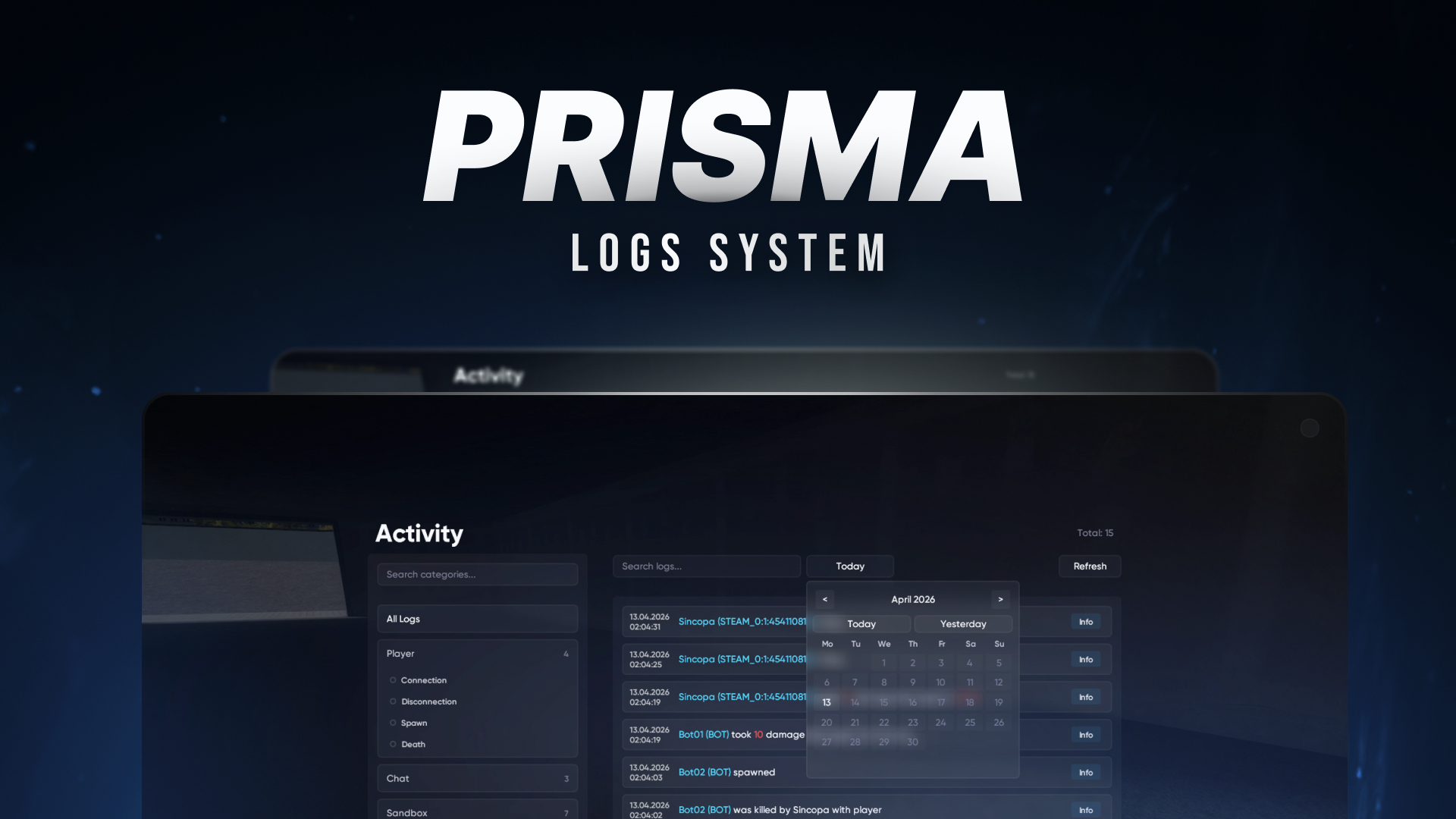
Prisma Logs
Real-time logging. Discord integration. Zero excuses.
8.99€6.30€
 Sincopa3 sales
Anything you need in one place
Real-time logging. Discord integration. Zero excuses.
Sincopa3 sales![[STANDALONE] No-Notify](/uploads/products/standalone-no-notify/banner.png)
No-Scripts | No-Notify
 Kimi 3 sales
A Weapon Selector with a modern and customizable interface
 atsuko 2 sales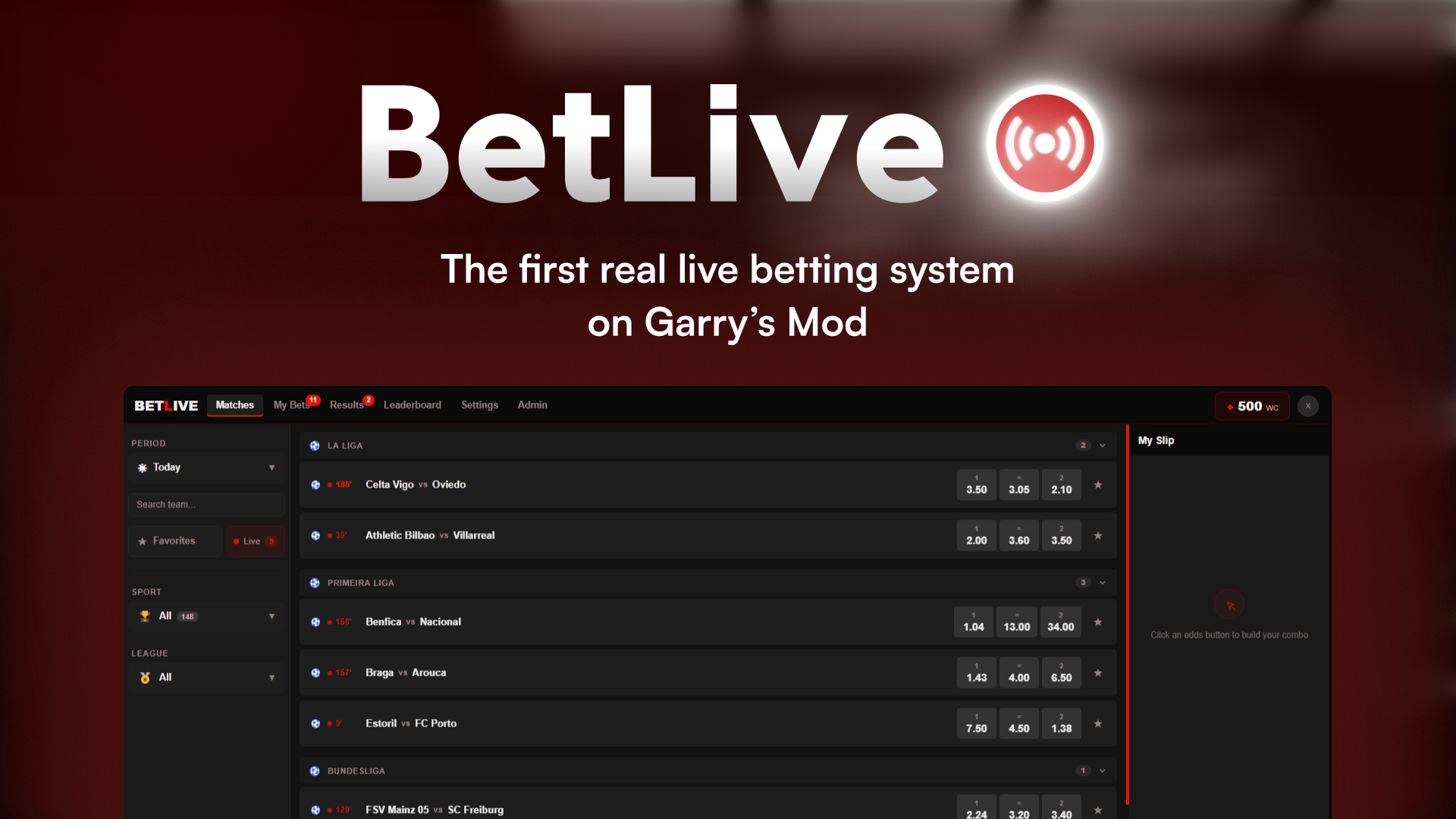
BetLive adds real sports betting to DarkRP, with live odds from real-world APIs, and bets auto-resolve when the match ends.
 Wileard(1)
Simple AFK System turns idle time into gameplay. A sleek, modern AFK interface that lets players earn passive rewards and play minigames (Snake, Blackjack, Mines) while they wait. Keep your server engagement high even when players are away!
 ! MetaBolisme1 sale
![[ASM] AtsukoSpawnMenu - Custom & Modern SpawnMenu Interface](/uploads/products/asm-atsukospawnmenu-custom-modern-spawnmenu-interface/banner.png)
AtsukoSpawnMenu is a custom and modern replacement for the original Garry's Mod SpawnMenu (PropsMenu/Q-Menu) Installation : - Unzip the downloaded archive ! - Place the 2 folders in your addons folder ! - Add this content to your workshop : https://steamcommunity.com/sharedfiles/filedetails/?id=3310632012 ! - Restart your server ! - Done, easy right ?
atsuko 1 sale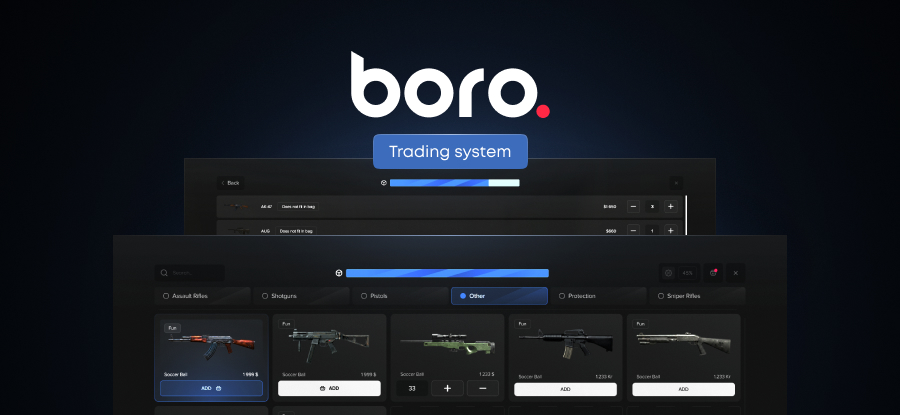
A player-to-player trading system for DarkRP. Job-based traders sell items from their DarkRP inventory - buyers browse categories, fill a basket, and send purchase requests. Traders set markups, manage resources via NPC restocking, and approve or decline
Sincopa1 sale
A powerful and useful tool to configure and execute binds. (3+ ways to execute binds!)
 dr. snortthispercNEW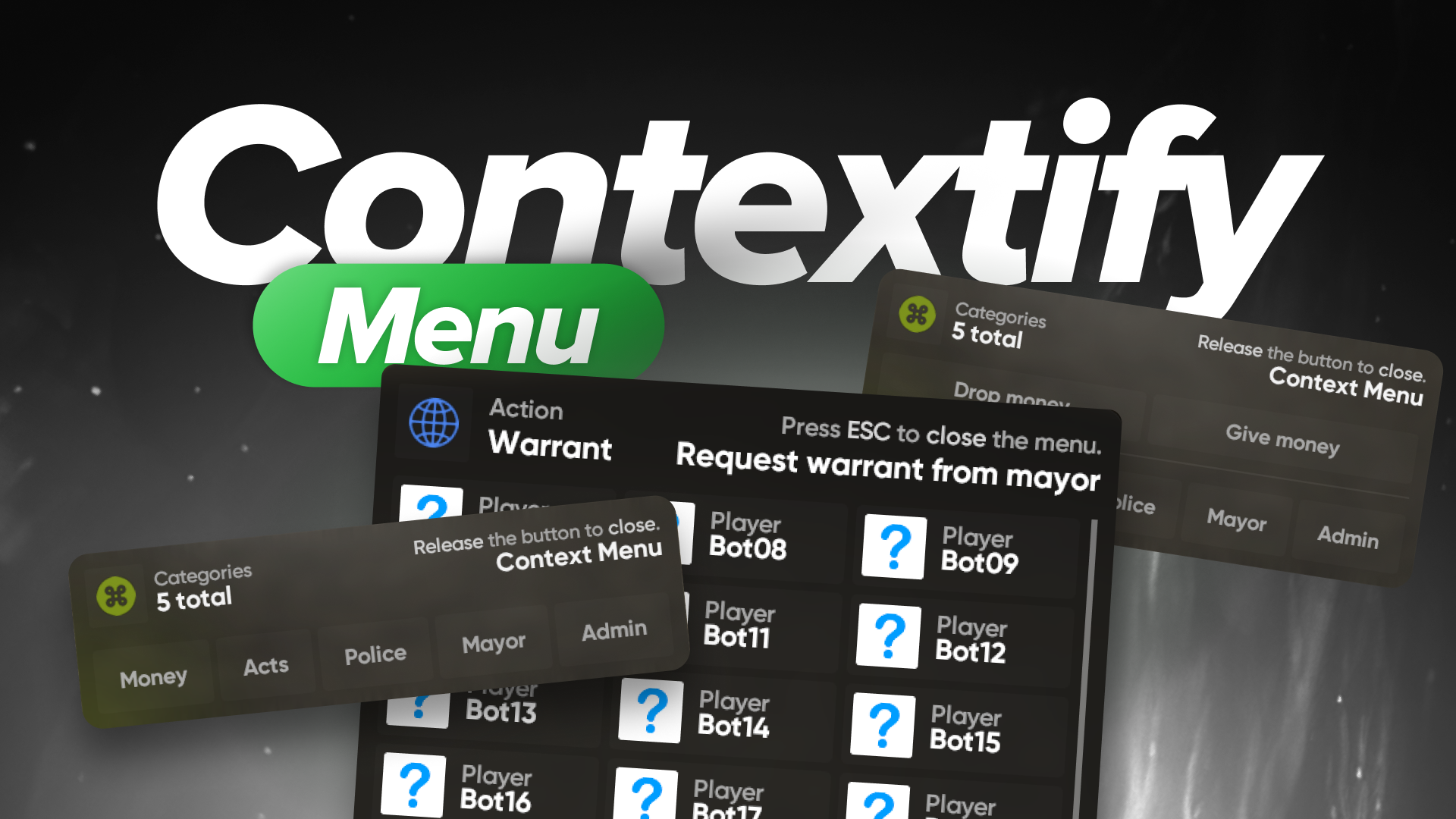
Stop making your players type /warrant in chat like it's 2015. Contextify. One click. Done.
SincopaNEW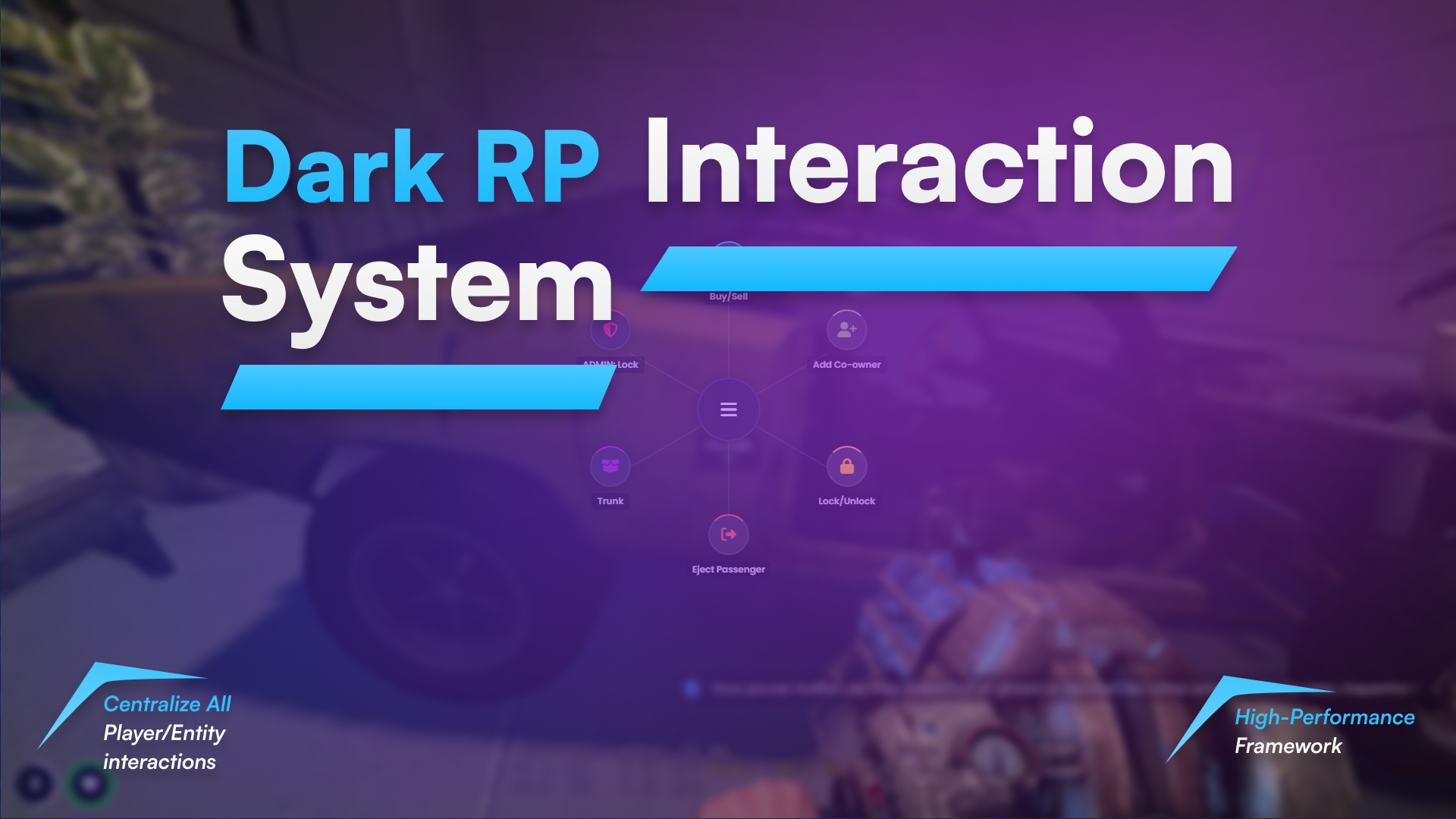
A modular high-performance radial menu framework centralizing all DarkRP player and entity interactions.
! MetaBolismeNEW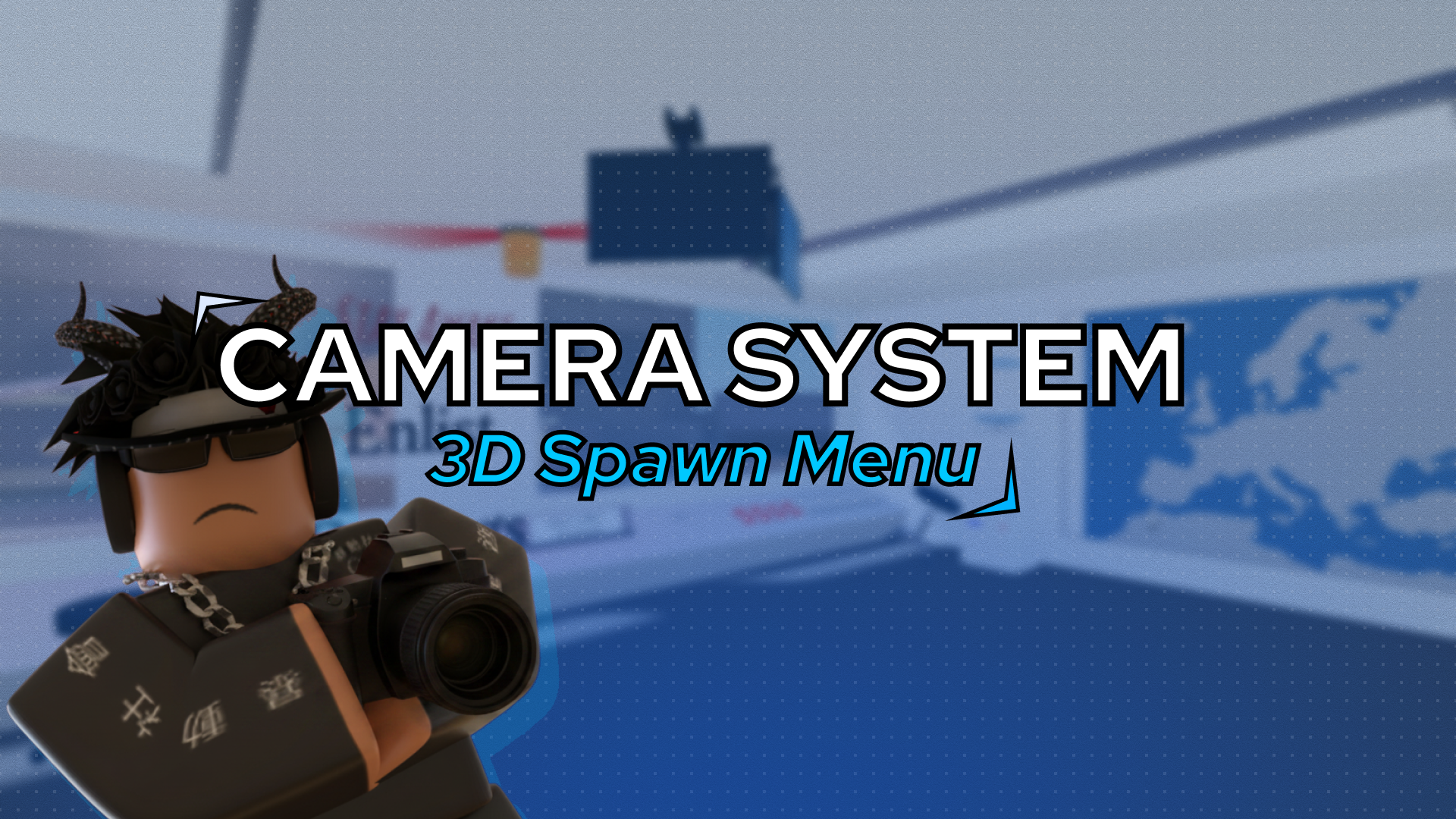
# 📷 Dynamic Camera System A fluid camera system with progressive lag effect. When you move your mouse, the camera follows with a smooth delay, creating a realistic sense of inertia. ## 🎮 How It Works - **Lag Effect** — The camera doesn't follow your mouse instantly; it accelerates gradually for natural movement - **Multiple Positions** — Support for multiple customizable intro/cutscene cameras ## 📍 Adding a New Camera Position 1. **Duplicate an existing `introPart`** in Workspace 2. **Move it** to your desired location 3. **In the receiver script** (`StarterPlayer > StarterPlayerScripts`): - **Before the positions table**, declare your new part and position: ```lua local newIntroCamera = workspace:WaitForChild("IntroPart_NewName") local newIntroCameraPos = newIntroCamera.Position ``` - **At line 36**, add them to the table: ```lua local IntroCameras = { newIntroCamera, -- other positions... } ``` ## 🔌 Architecture - **Sender Script** → `StarterGui` (sends button events) - **Receiver Script** → `StarterPlayer > StarterPlayerScripts` (receives and applies) --- *Simple, smooth, modular.* 🎥
 raiane4875NEW
(douille et trace de sang) [ESX/OX]
 ZycooNEW